
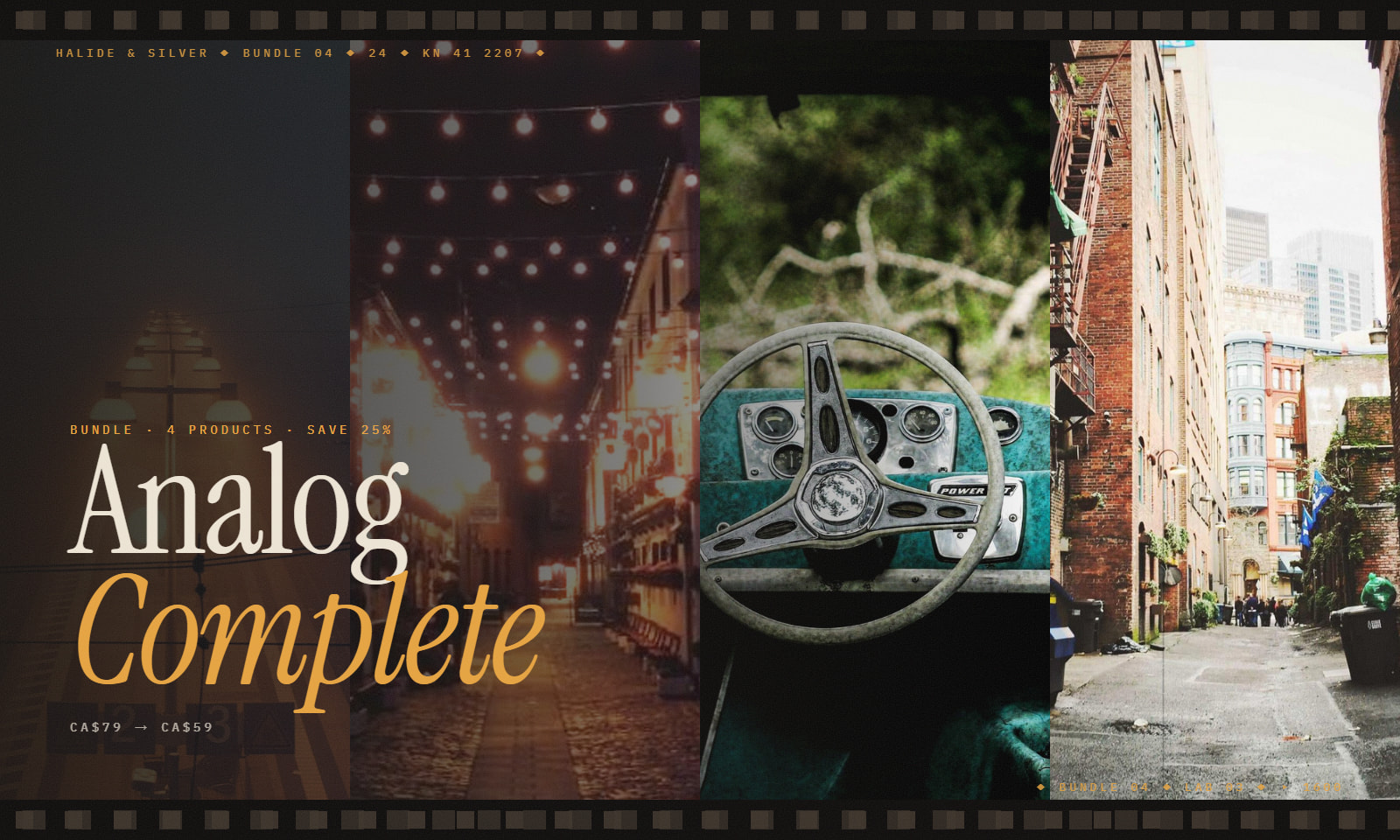
 Bundle
Analog Complete — Halide & Silver Bundle
by Halide & Silver
 1 / 5
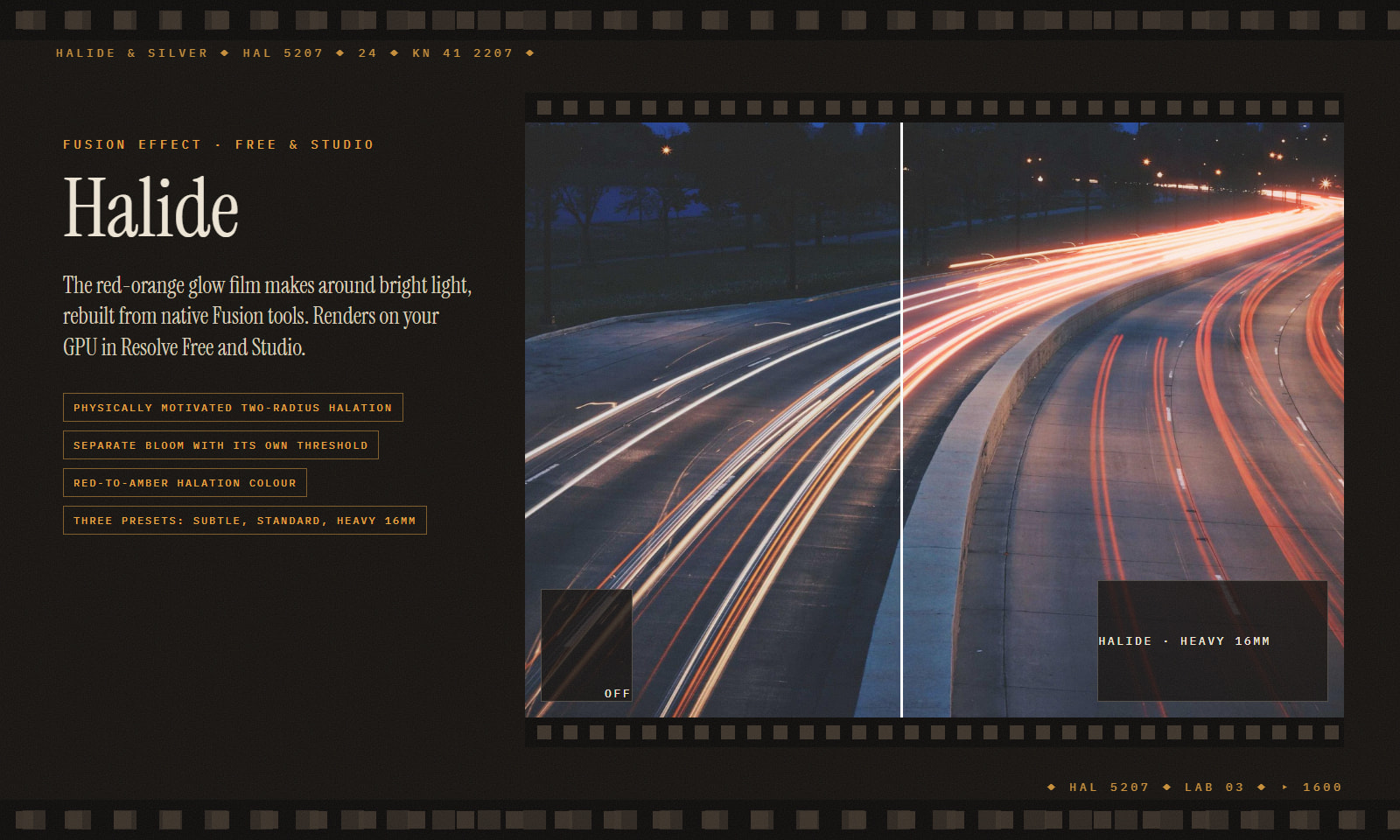
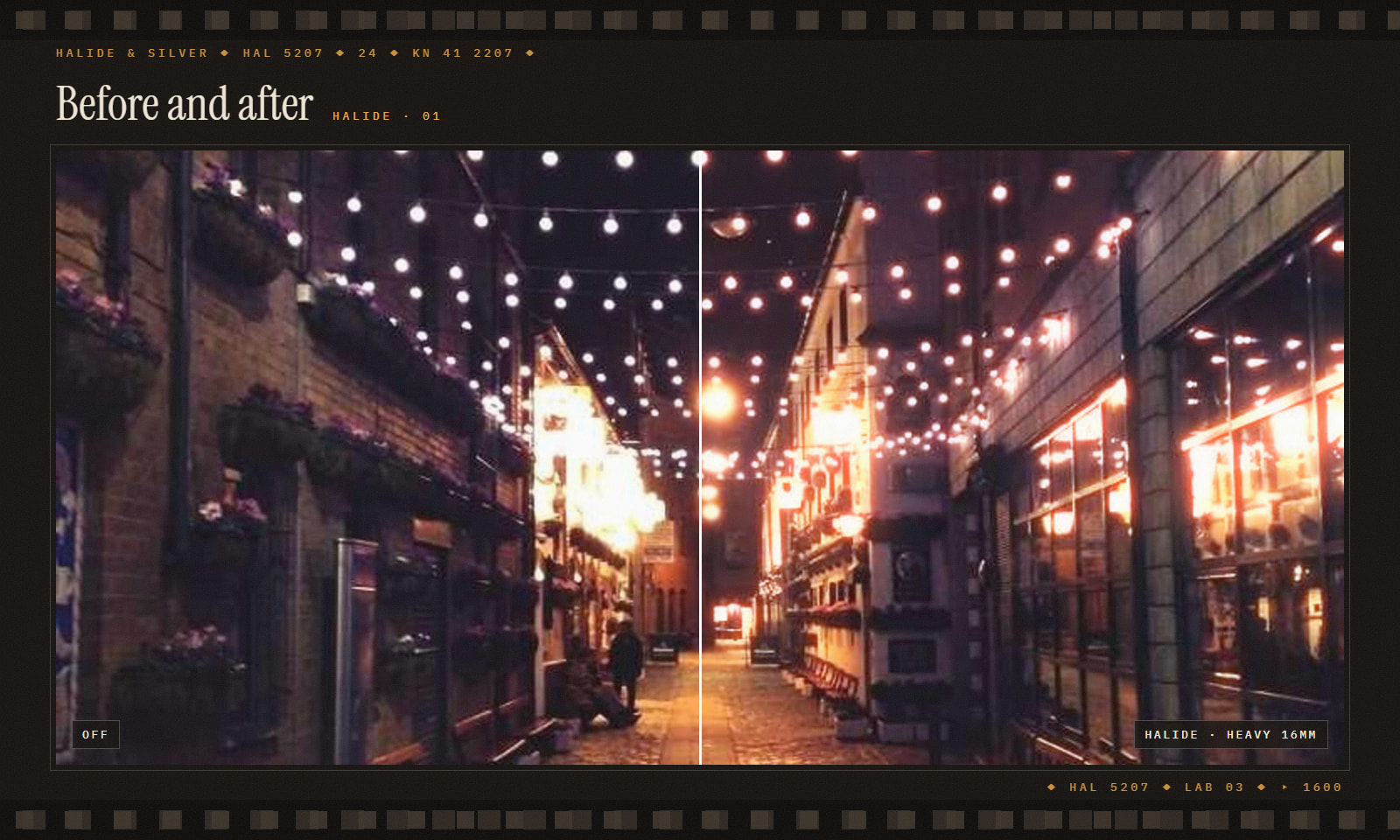
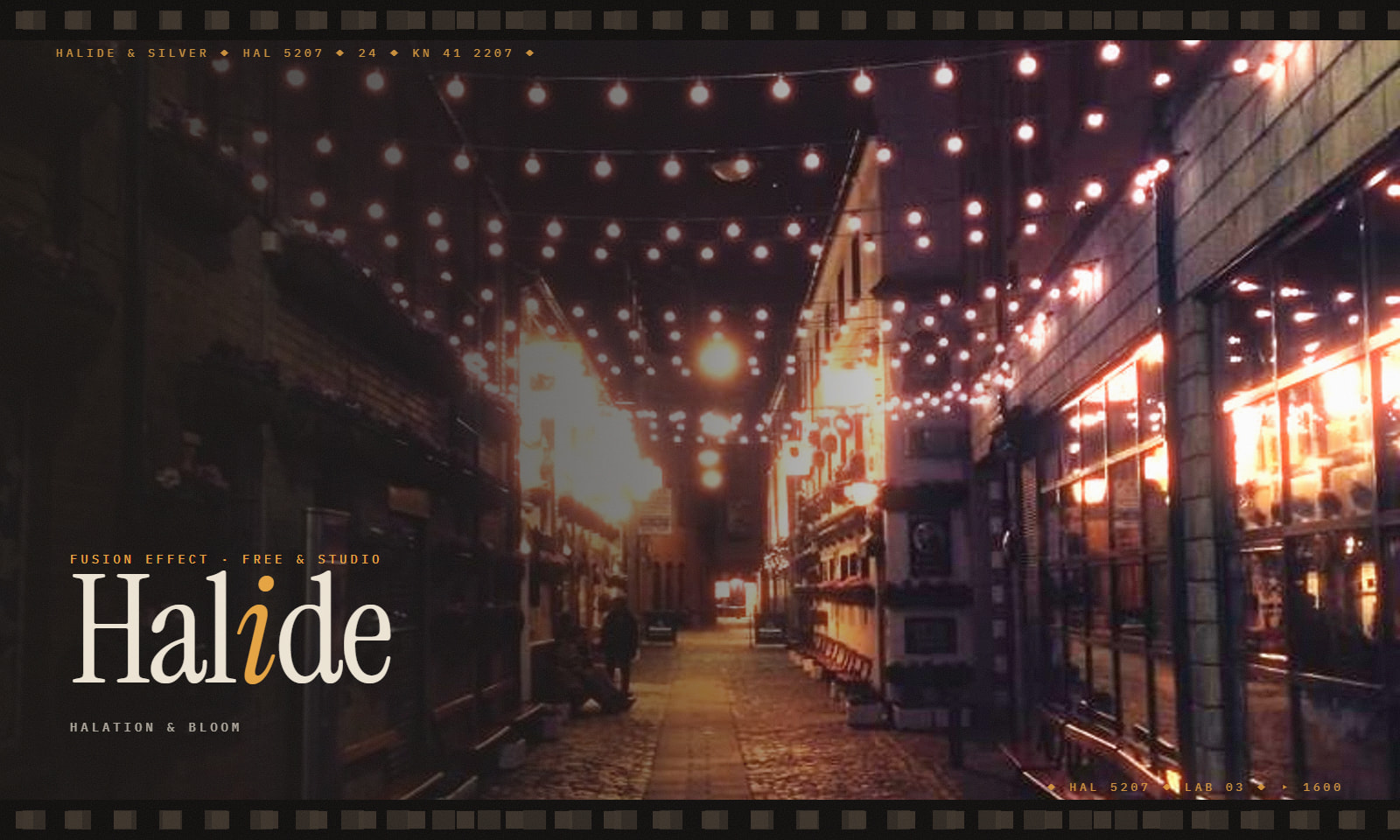
1 / 5Hold a bright window up to a strip of colour negative and you'll see it: a red-orange bleed where the light has gone through the emulsion, bounced off the film base and come back to expose the red layer a second time. That bleed is halation. It's the quietest clue that an image was made with film, and it's the first thing digital forgets.
We built Halide in our lab the slow way: comparing scans, measuring the falloff, and settling on two radii, a tight core and a wide, breathing skirt. It's made entirely from native Fusion tools, so it renders on your GPU in Resolve Free and Studio, on the Edit page or in a Fusion comp.
In the tin
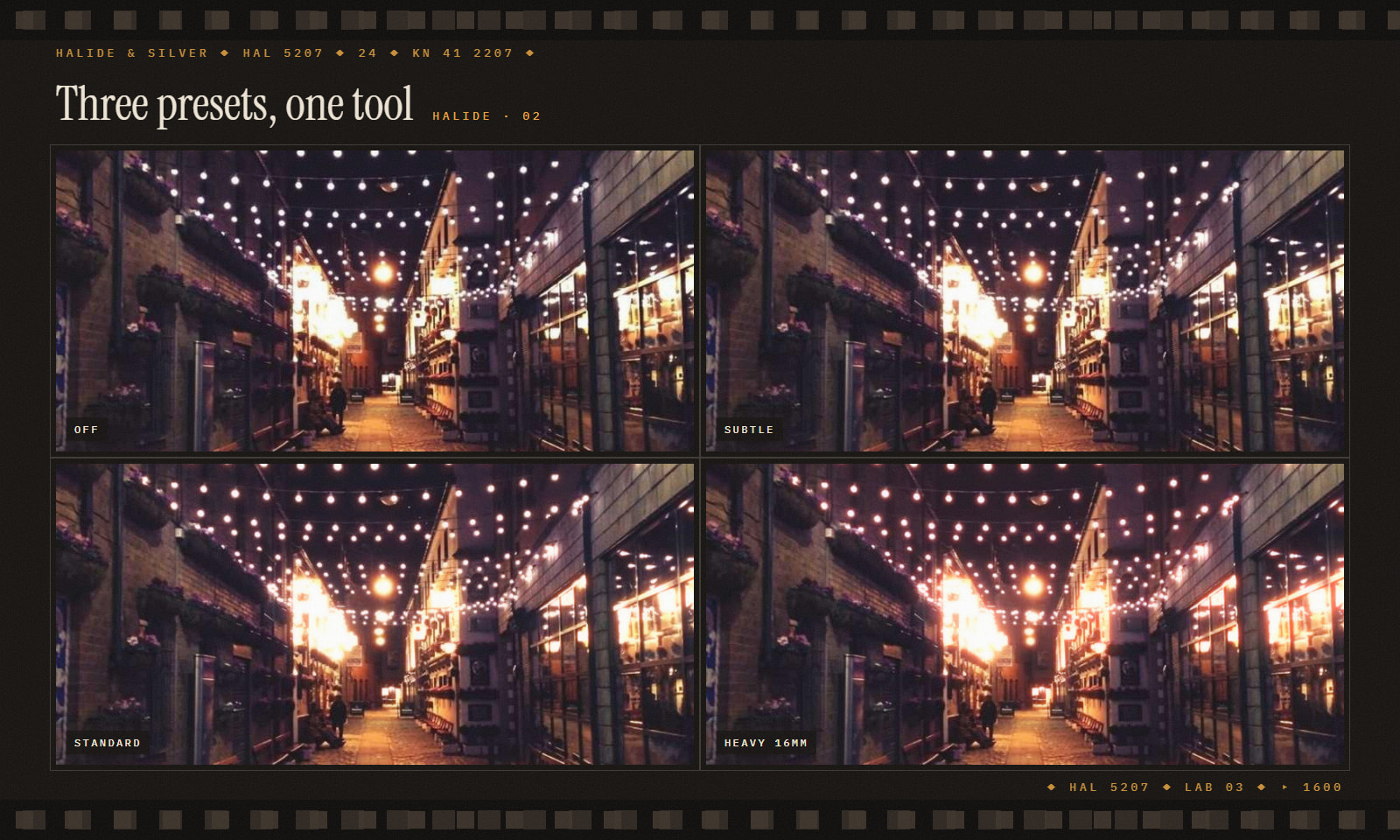
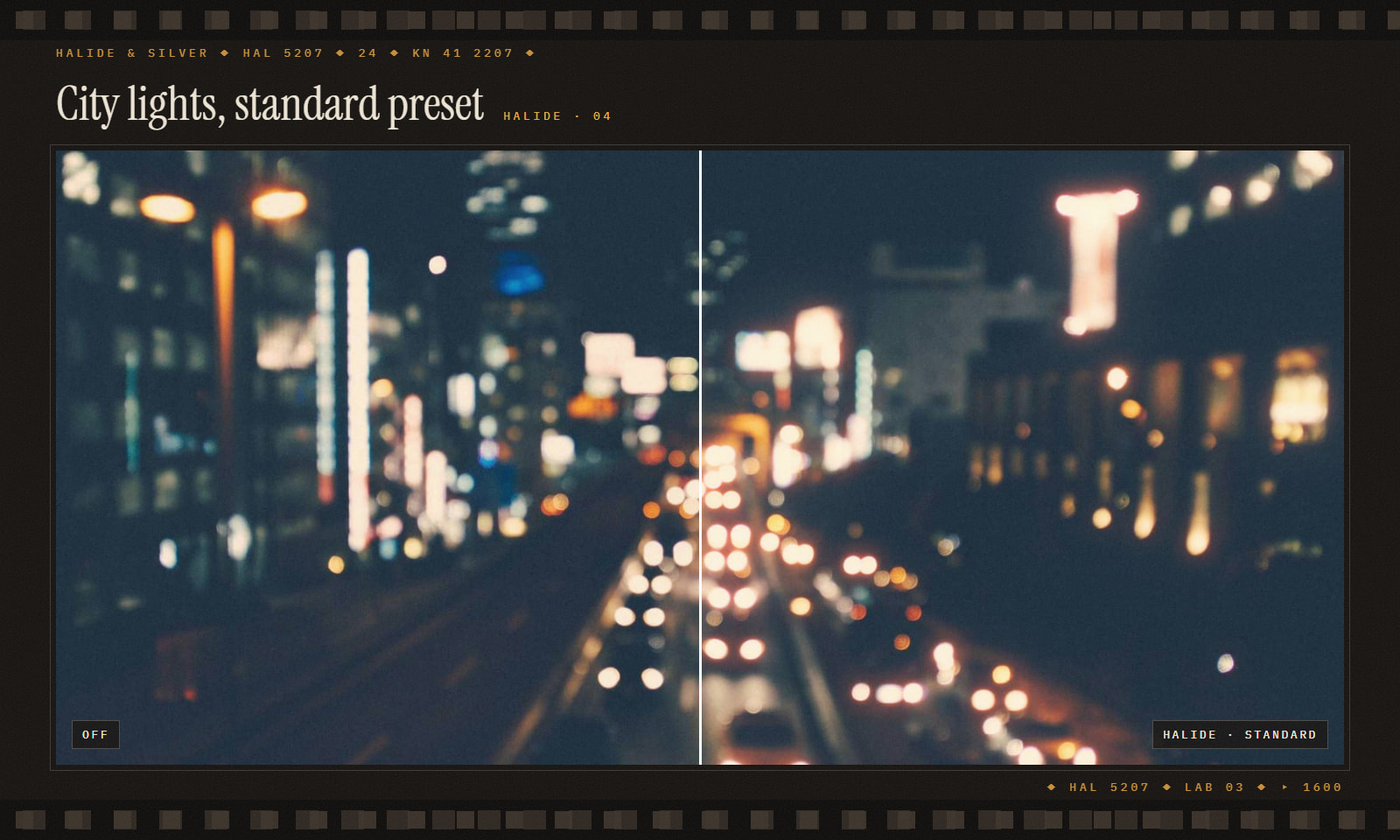
How we use it Grade first. Put Halide on an adjustment clip above the timeline, then grain on top. Start Subtle on faces and save Heavy 16mm for practicals, neon and night streets.
Install: double-click Halide.drfx (Resolve 18+) and restart. It lives under Effects › Toolbox › Effects › Halide.
Bundleby Halide & Silver
 Asset
Assetby Halide & Silver
 Asset
Assetby Halide & Silver
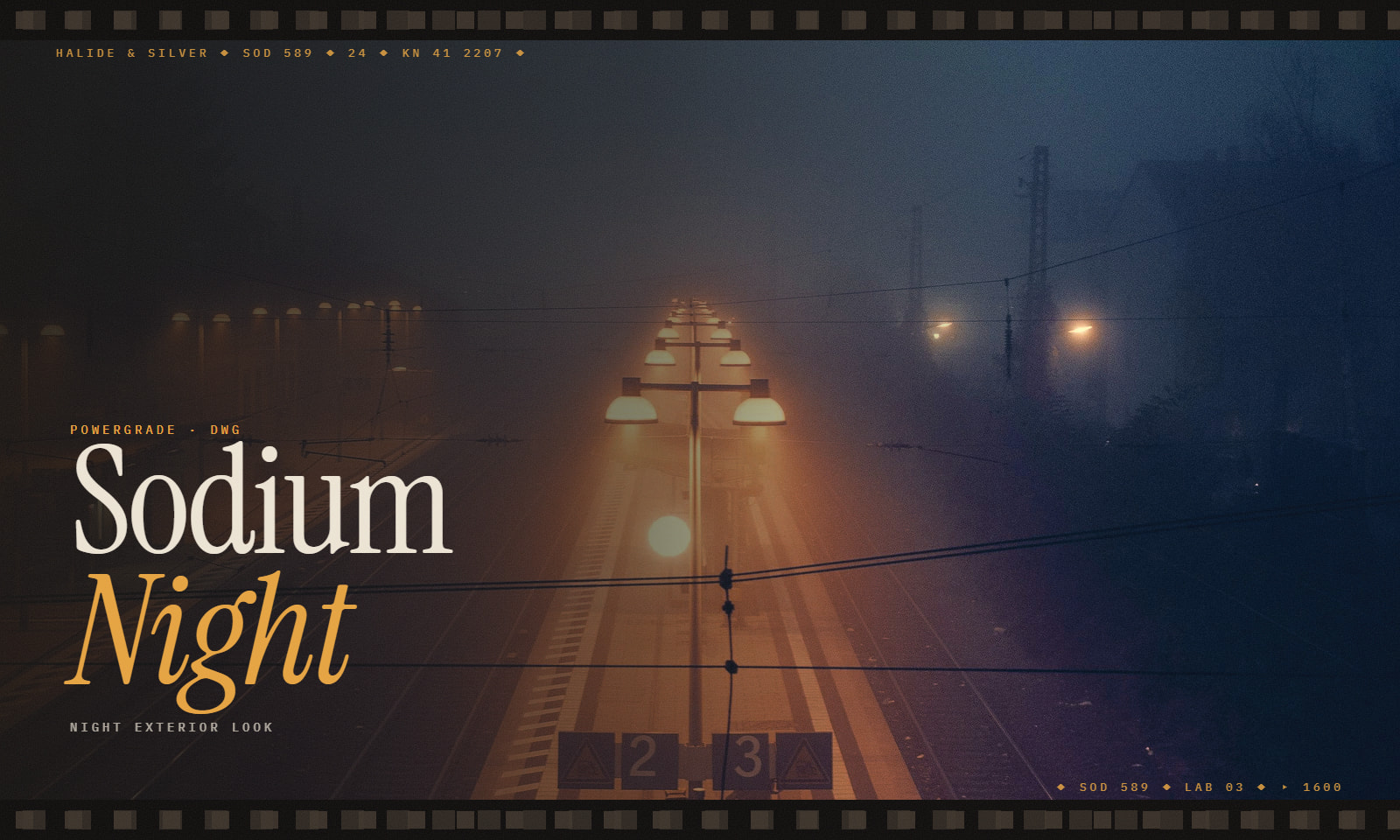 PowerGrade
by Halide & Silver
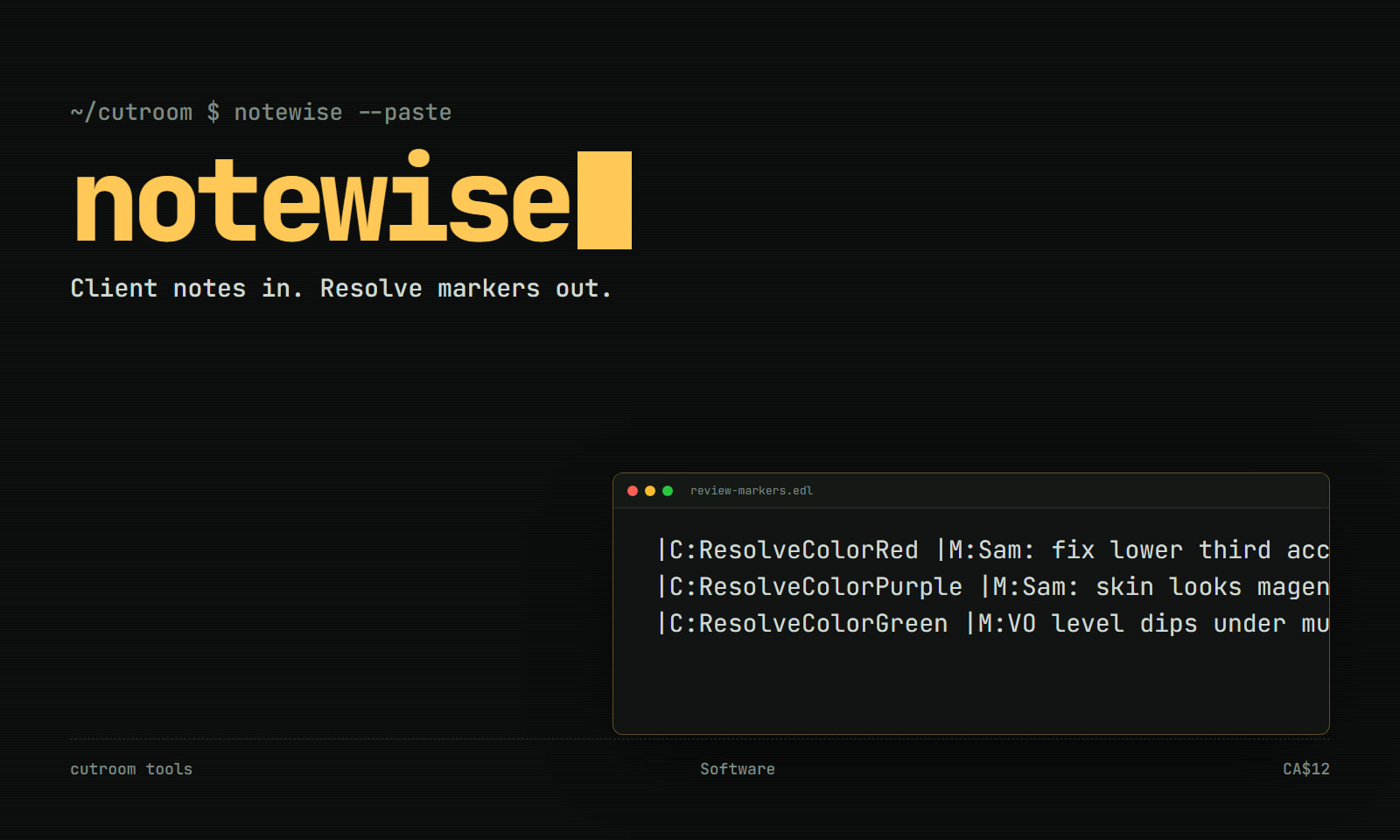 Plugin
by Cutroom Tools
 Plugin
by Click Theory
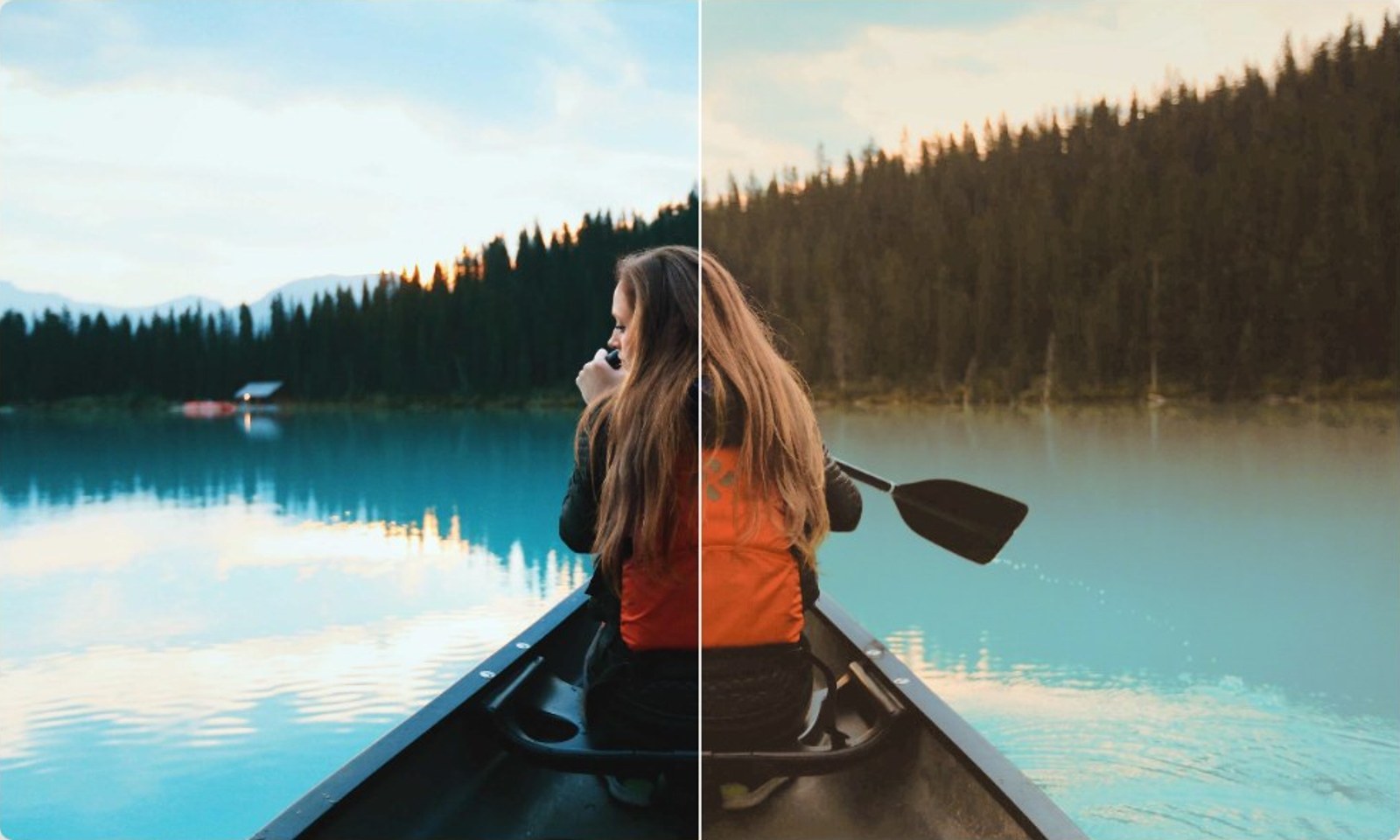 Plugin
by Prism & Pigment
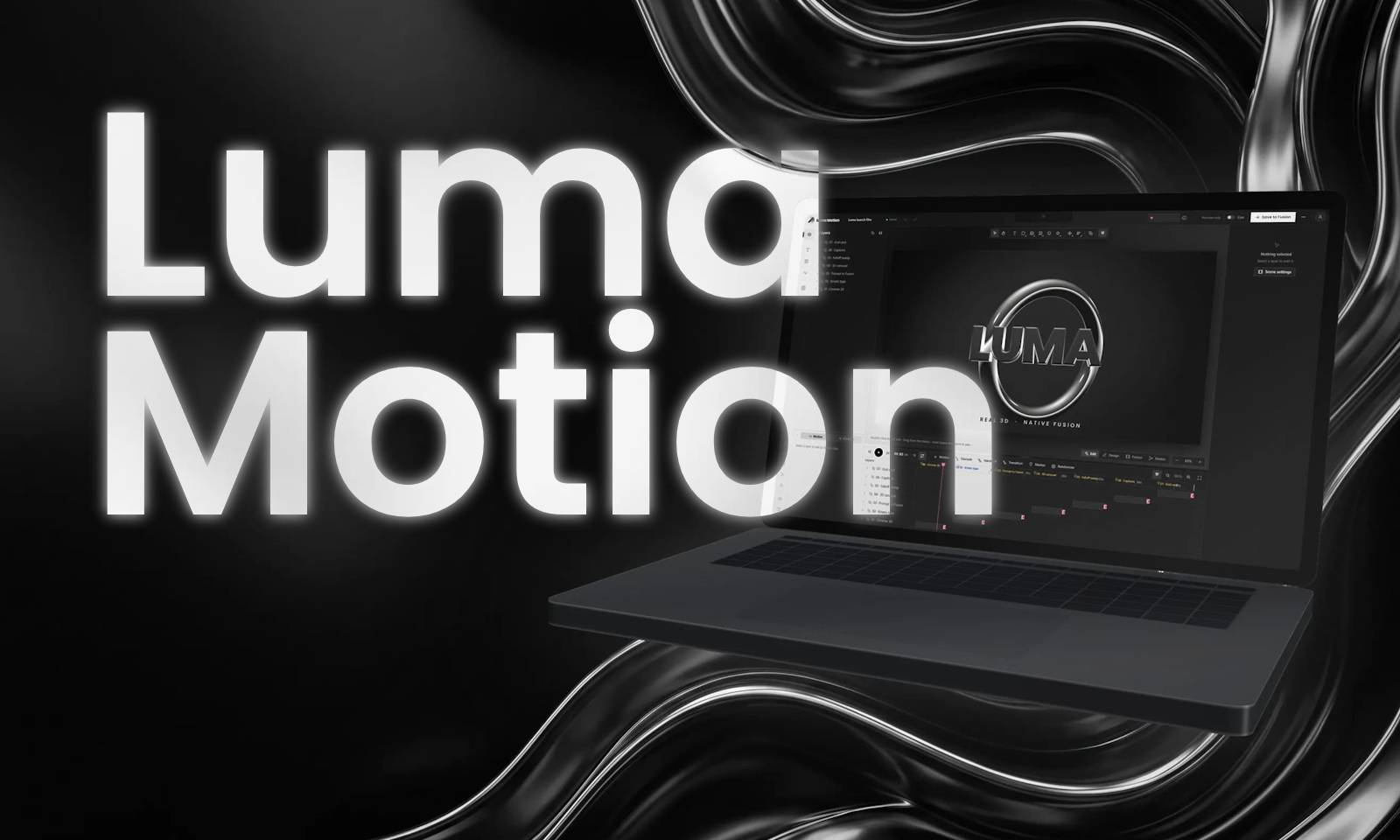 PluginFree
by Luma MotionStudio