Overview

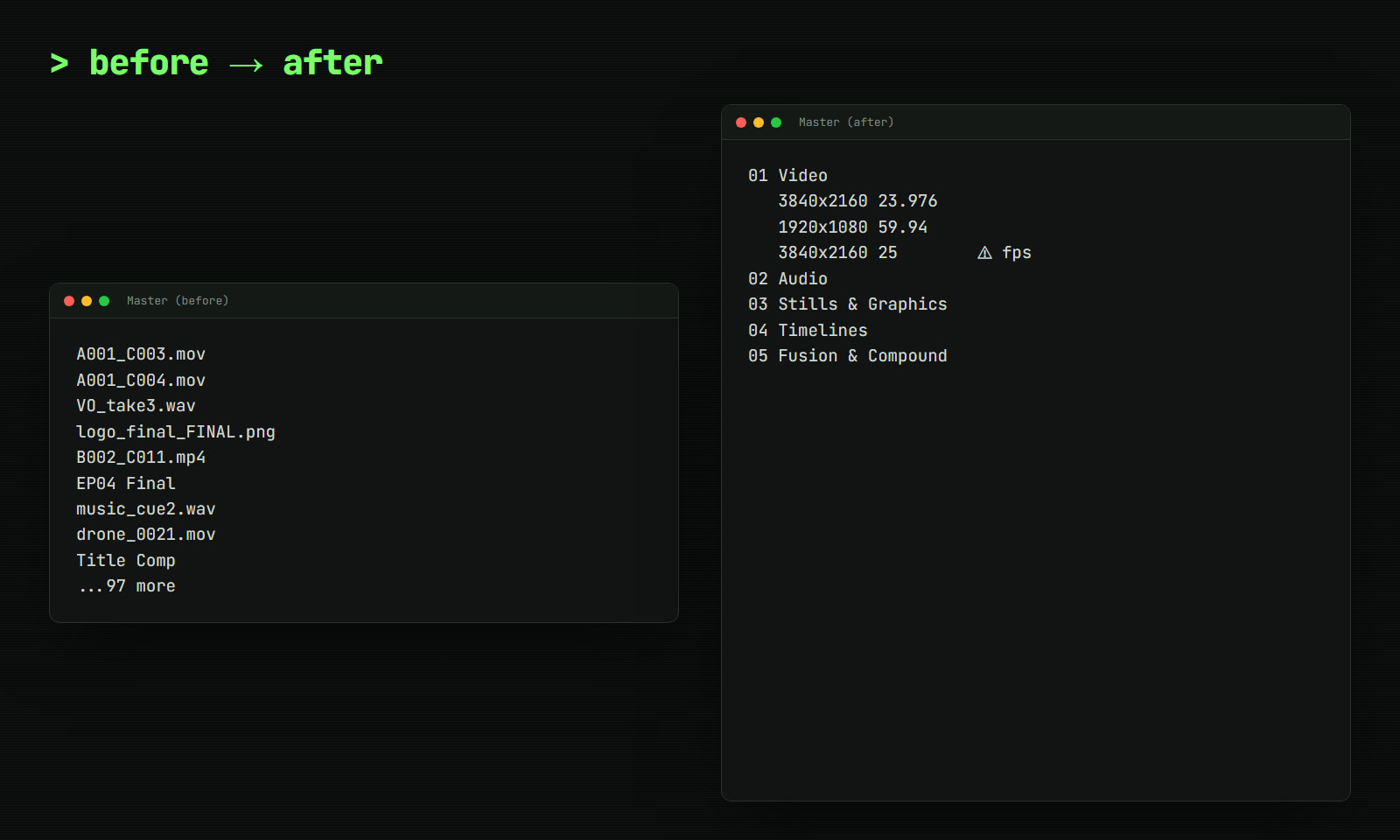
you imported three cards, a voiceover, eleven versions of the logo and a timeline called "final final". the media pool now looks like a junk drawer.

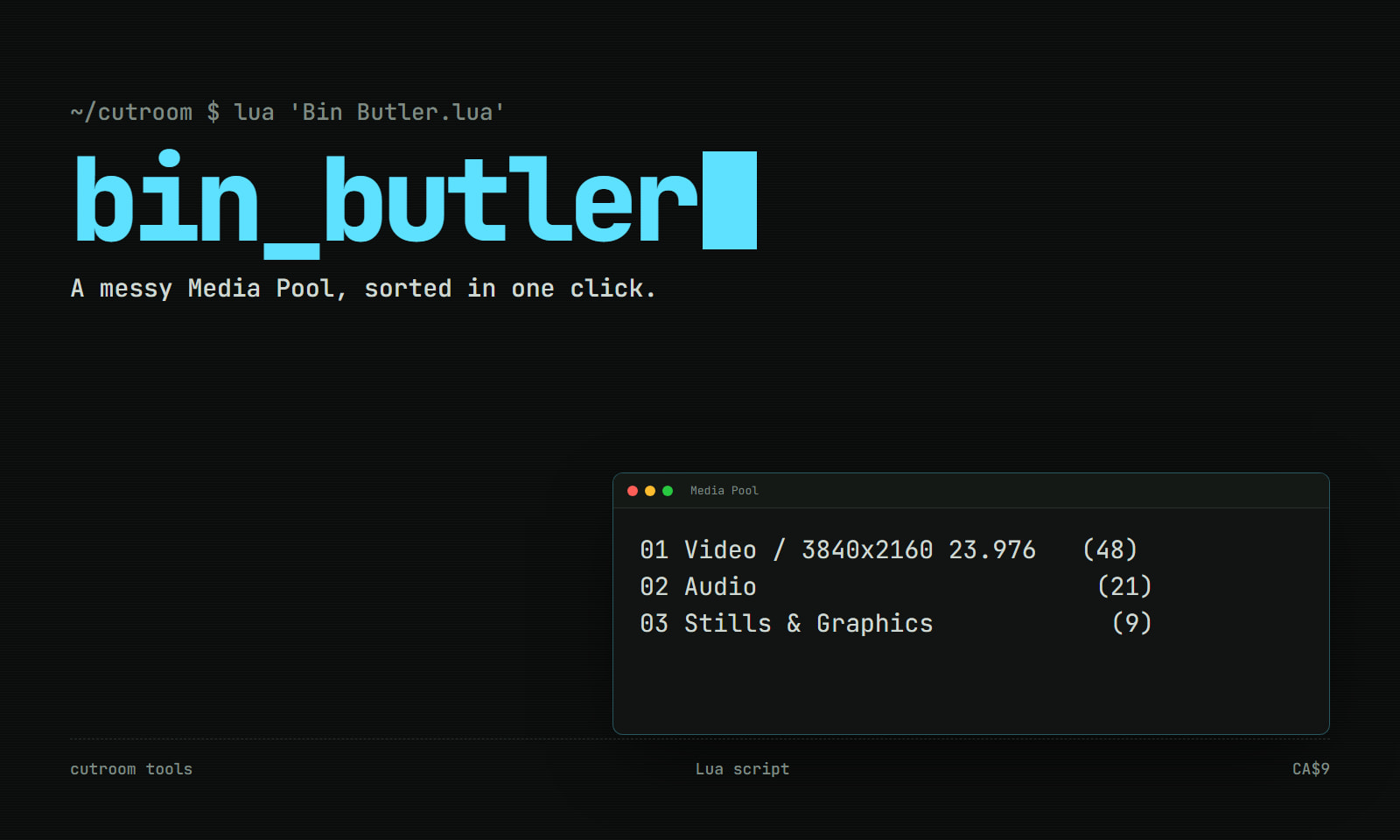
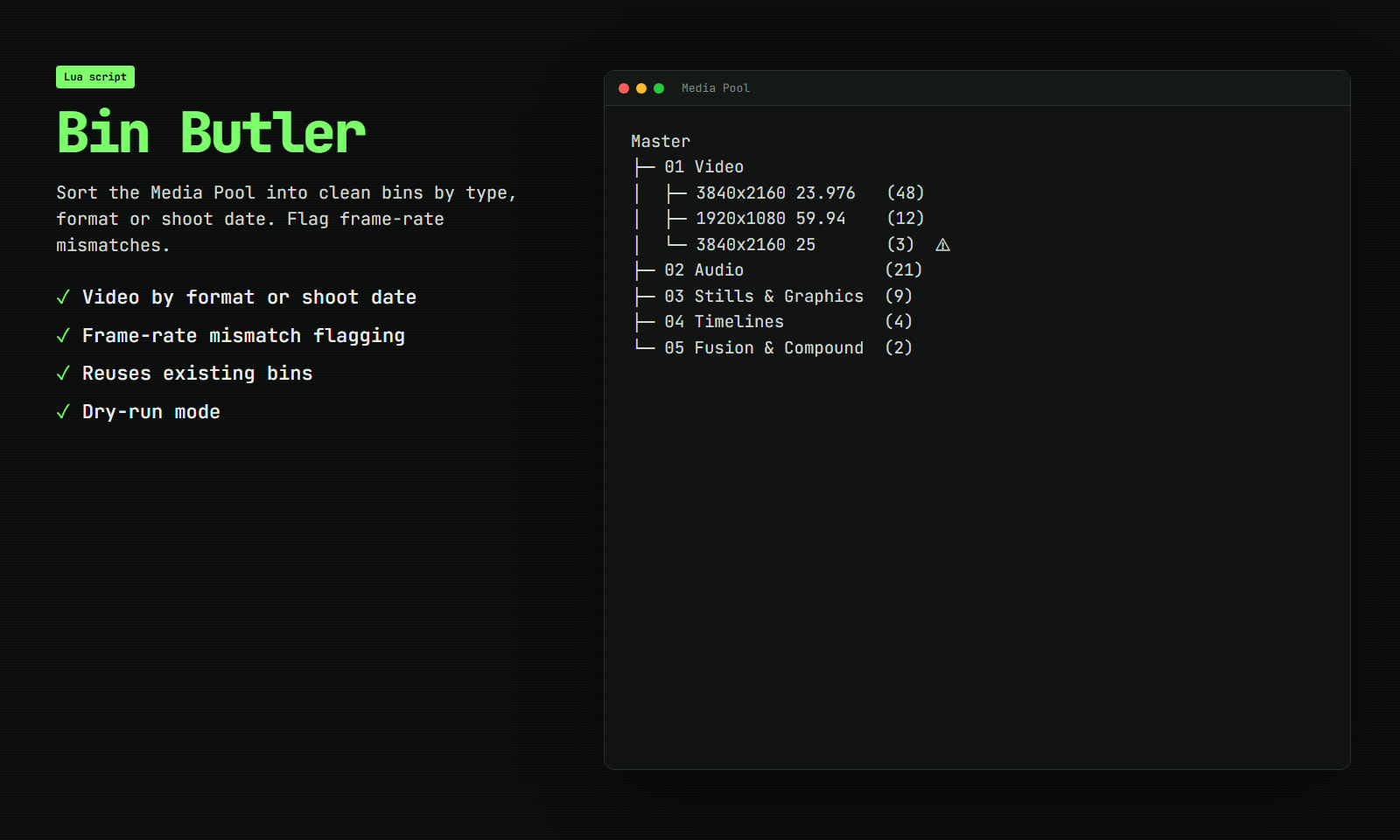
run bin butler and get:

  • 01 Video, split by format (e.g. 3840x2160 23.976 / 1920x1080 59.94)
  • 02 Audio
  • 03 Stills & Graphics
  • 04 Timelines
  • 05 Fusion & Compound
  • 06 Other

also

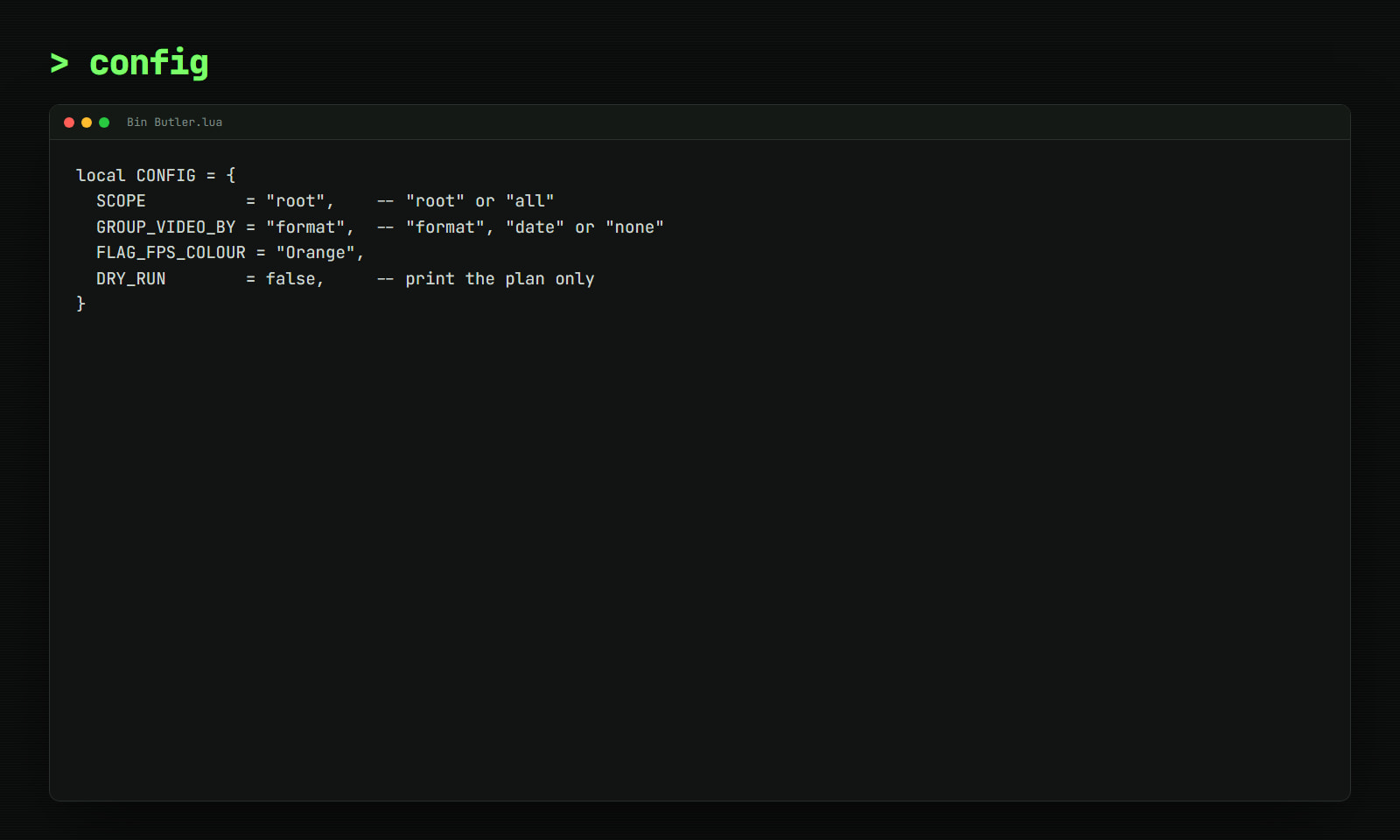
  • group video by format (resolution + fps), shoot date, or not at all
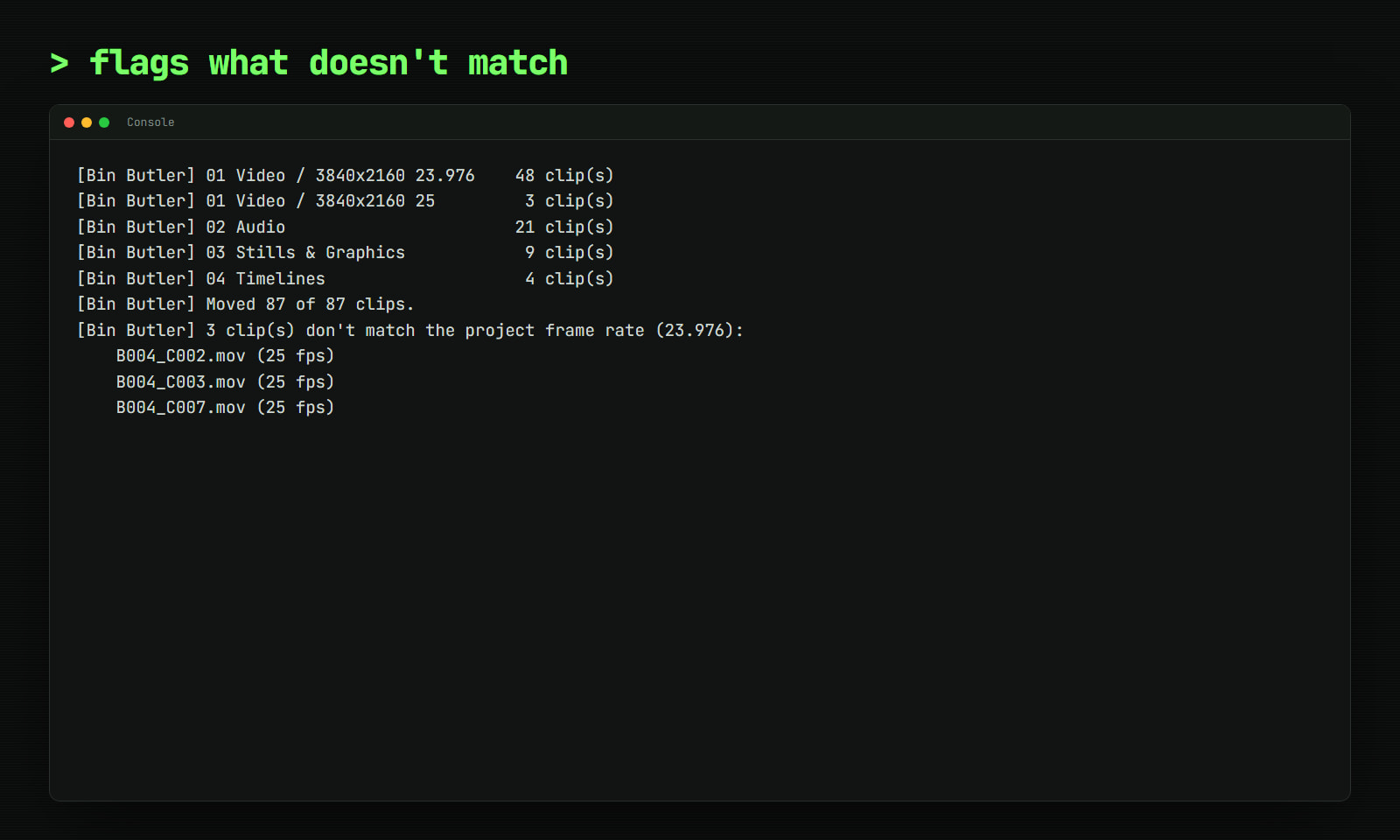
  • clips that don't match the project frame rate get a clip colour and a console list. find the 25 fps drone shot before the conform does
  • reuses existing bins, so run it after every import
  • dry run mode if you're nervous
  • never deletes anything; it just moves clips

plain lua, settings at the top. resolve free or studio.

  • media pool
  • organise
  • bins
  • script
  • lua
  • assistant editor

More from Cutroom Tools

Storefront

Search by product, creator, or workflow.

In the catalogue0 tools

Search Resolve tools, categories, or creators.

Choose a category below or start typing to find a listing.

DaVinci Market

Welcome back

Log in to reach your library, wishlist and downloads.

or with email

New to DaVinci Market?